
Reading Time: 2 minutes
Did you know there is a great tool which can give you insights into your photography behavior by analyzing your Lightroom Classic Catalog. Ever wondered what your most used camera, lens or focal length is? Lightroom Dashboard can help you.
Lightroom Dashboard gives you a nice break down of
- Amount of Lenses used
- Amount of Cameras used
- Most used Camera
- Most used Lens
- Favorite Focal Length
- Favorite ISO
- Favorite Aperture
- Favorite Resolution
- Favorite File Format
- Total Amount of Files
- Monthly Photo Volume
Lightroom Dashboard breaks it down with graphs and pie charts. You might be surprised about how you use your gear.
The tool is very easy to use. Just go to the Lightroom Dashboard website and click on the button “Analyze your Catalog Now”.
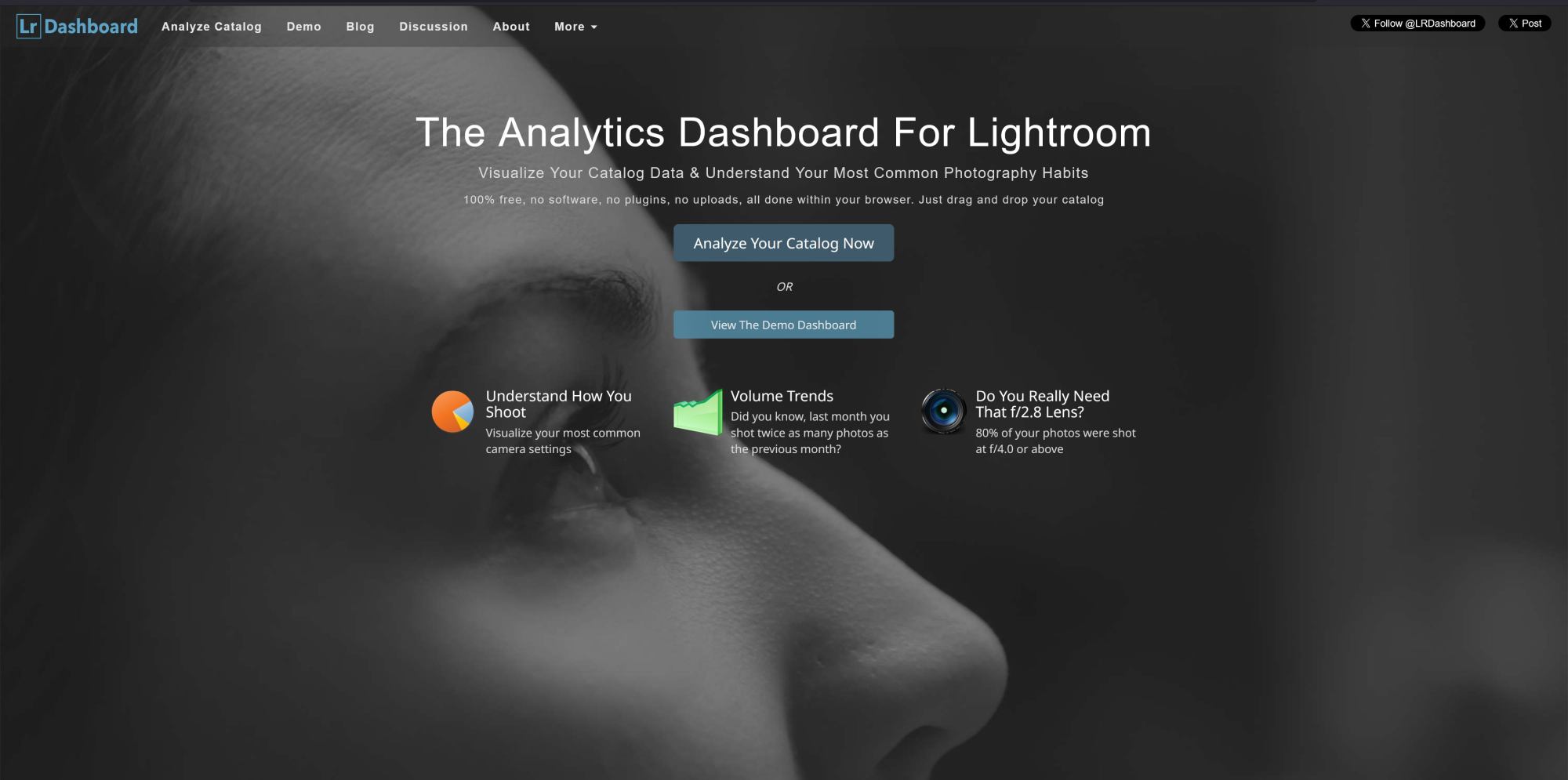
It is recommended to use a copy of your Lightroom Catalog file. Even though the tool doesn’t write to the catalog, this just ensures that nothing will happen to your precious catalog.
On the next page just drag and drop your Lightroom Catalog file to get analyzed and to get an overview. There is also a demo page of what to expect.
You also don’t need to worry about any privacy concerns, as the tool will analyze your catalog in your browser and nothing will get uploaded to the web.
If you are unsure, just open the Lightroom Dashboard website and click on “Analyze your Catalog Now”. After that you can disconnect your internet connection before you drag and drop your Lightroom Catalog file into the browser window. Analyzing takes only a few seconds.
You might run into issues if your catalog is very large. My catalog is almost 2GB and LR Dashboard had no issues to analyze the catalog. You can try it with your catalog and if your catalog is too large, your browser won’t be able to process it. If that happens, there is a small tool to convert your catalog to be analyzed, which you can find here.
Extra Tip
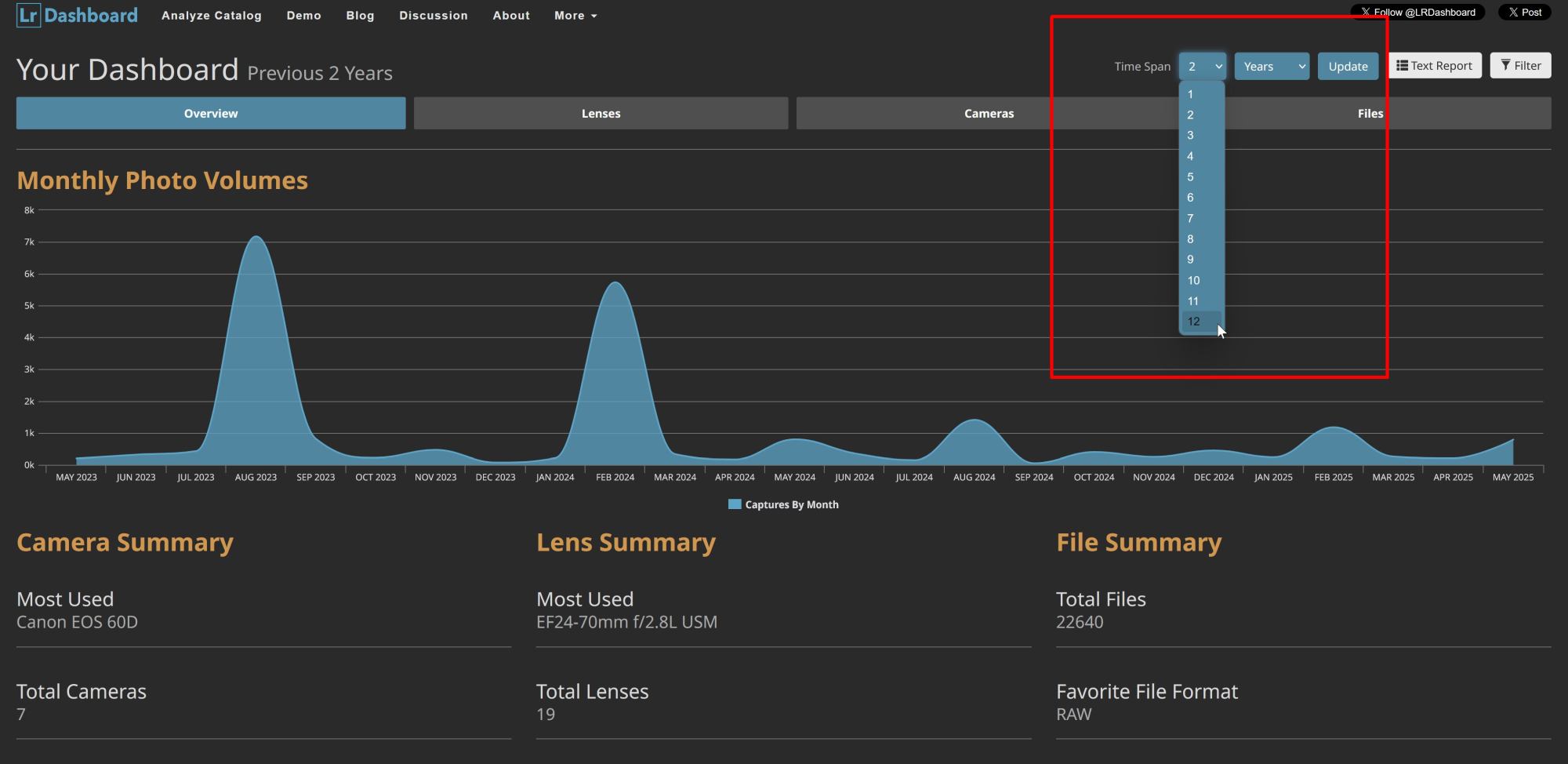
LR Dashboard will default to show you the data of the last two years. If you want to show more years or all of your catalog, you have to select the time span in the top right corner, see screenshot below.
Conclusion
This a small and handy tool. It can help you to get a better overview of your habits. Like mentioned on the website, do you really need the f2.8 lens?
Try it out and see for yourself.
[All images are courtesy of lightroomdashboard.com]

Peter is an award-winning photographer who travels all over the world to capture the beauty of our planet as well as the achievements of humanity. Follow Peter on his travel blog Gate to Adventures for more amazing places to go and explore.











Subscribe
Login
0 Comments
Oldest