Reading Time: 6 minutes
About two years ago, I bought a bigger and better CF memory card for my Canon EOS 5D MkII. I bought the 32GB SanDisk Extreme Pro 160MB/s CF Card. I needed more storage to photograph events like airshows and such. I bought the card at a camera store in San Francisco just before the San Francisco Fleet Week.
Now two years later the card completely died. When I put it in the card reader to transfer files of the card to my computer it would always disconnect from the computer. First I thought it might be a bad cable from the card reader but tried multiple other cables and same issue. Then I thought maybe it is just the card reader itself and tried a second one I had and still no change. Then I tried to put the card back into my camera and the camera wouldn’t even turn on anymore. I had my smaller SanDisk card still in my backpack and tried that one and the camera turned on right away and I was also able to read the memory card with my card reader.
The old memory card is a slower SanDisk Extreme Pro and I had it for over 10 years and never had any issues. I barely used this one in the last two years as the newer 32GB card always had enough storage most of the time I went out for a day.
I was still okay to shoot as I still had my “old” memory card. It came to mind that I could check what the warranty period for this card is and since the card is not even a full two years old, I might be lucky and can claim it under warranty. So I did a search on the internet and found this information regarding the warranty of SanDisk storage mediums.
For my card it showed this: SanDisk Extreme PRO CompactFlash card Lifetime** ; 30***
The explanation what the stars mean are very confusing at the bottom of the page. This is what is shown as of the end of July 2024. I have informed SanDisk about it and got told that they will update the site as soon as possible.
- ** Lifetime Warranty
- Regions that do not recognize a Lifetime Warranty. (Germany, Canada)
Yes it is confusing. The two stars behind lifetime mean lifetime but in reality it is a limited lifetime warranty. Limited to 30 years. The three stars should be in the second line but they forgot to put them there. If everything would be correct it should show this:
- ** Lifetime Warranty
- ***Regions that do not recognize a Lifetime Warranty. (Germany, Canada)
I confirmed this to be shown correctly on the German version of the website.
It is still confusing a bit, because it should mean Lifetime for every country besides Germany and Canada. These two countries only receive a 30 year warranty. But SanDisk seems to define lifetime of their products as 30 years as well. So makes sense, but still confusing. At least according to a chat rep.
By the way, SanDisk was aquired by Western Digital in 2016. That’s the reason why all the warranty process goes through Western Digital (WD).
Starting the Warranty Process
Well, here is the next confusing part. There is no “warranty claim” you can fill out. You have to fill out an RMA (Return Merchandise Authorization) and SanDisk/WD will send you the exact replacement model for your product.
How do you get started with this? You have to create an account in the support portal of Western Digital. There is even an article on their Support Knowledge Base which describes how the process should be.
Well, that would be too easy if you could just fill out a form and be done. The whole article seems to be useless if you have a warranty issue with SanDisk memory cards.
After checking the form they require a proof of purchase. I still had the purchase receipt when I bought the memory card. If you don’t have a receipt you need to upload a picture of the front and backside of your memory card. Weird, but that is what they require to register your product to initiate an RMA. So another very important thing they require is the serial number. Here it gets tricky. According to a chat rep there should be something like S/N followed by the serial number on the card. My card had exactly two numbers printed on it. one on the card itself and one on the sticker. According to a sensor rep of the support team, it is the number on the back of the card which is on the sticker.
Their form denied the registration of my product with the error code that it couldn’t find the serial number. I told that to the senior chat rep and he was kindly enough to register my card with this information for me in my account and also started the whole RMA process on my behalf.
Bottom Line
If you have a SanDisk memory card or memory product like USB drives, it is probably best to contact a chat rep right away after you created an account at their support portal. Therefore they can associate the product with your account and help you to start the RMA process.
The RMA Process
After the agent registered the product for me, I received a confirmation email confirming that the product is registered under my account. After he finished the RMA process, I received two more emails. One confirming that the RMA process was started and another one shortly thereafter that the RMA process was approved.
The agent told me that I will receive a pre-paid return label for USPS to return my memory card to them and once they receive it, they will ship me a replacement which should take about 7-10 business days.
So i checked my email and there was no return label attached to any of the emails and I got told I have to click the link in the email to get to the return label. However, I wasn’t sure which link to click and had to try them all to figure it out, but to help you out it is the link marked in the picture below.

When you click on that link you get to a website with a button labeled “Print Label”. However, this button doesn’t work correctly. I tried three different browsers and every browser also in incognito mode. Most browsers close the pop up window right away and on Chrome it stayed open and just showed an empty white page with the Western Digital website header.
Luckily, I was still connected to my chat rep and told him that I can’t generate/download the shipping label. He told me that he would email me the shipping label after we finish the chat session. He came trough and actually emailed me the label.
Shipping Process
I printed the label and went off to the closest USPS store. There I bought a padded pouch to put my memory card in and had them attach the label to the pouch and had it shipped out.
My broken memory card was shipped out on a Tuesday and on Wednesday the following week I received an E-Mail that they received my card and are processing my replacement. The message also noted that I will get a notification once the replacement card will get shipped.
Waiting for the replacement card
A week passed between my old card arriving at Western Digital’s facility and getting the email notification that my replacement card was shipped. My new replacement card was shipped out from Western Digital on a Thursday and it arrived in my office on Wednesday the following week.
Conclusion
This was not the easiest warranty claim I ever did. But at least it is nice to know that I have a 30 year warranty on these cards. Even though I am about to upgrade to a newer camera which will use CFexpress cards. However, I won’t give up on this camera as I can still use it for so many secondary purposes and my memory card will be covered probably as long as the camera will survive.
It would be really great if Western Digital/SanDisk would optimize their experience on how to file these claims. I got told that they will update the website but I have heard that so many times from big and small tech companies and nothing ever happened, ever.
Update 2024-09-20
I received an email today that Western Digital is splitting their (support) websites.
You will have WesternDigital.com which is for all HDD products and SanDisk.com for flash drives, SDD and memory cards.
More about the split is available on the dedicated FAQ page.
For convenience they have already created a SanDisk.com account for me with the same credentials as my Western Digital account. The WD account was the one I used to get my warranty replacement.
However, the migration didn’t go as smooth as they said in the email. When I try to log in to either account, I get the error that my credentials are invalid. I tried to reset my password but even after 30 minutes, I have yet to receive the password reset email. It might be a few days until they get the system smoothened out. So be patient.
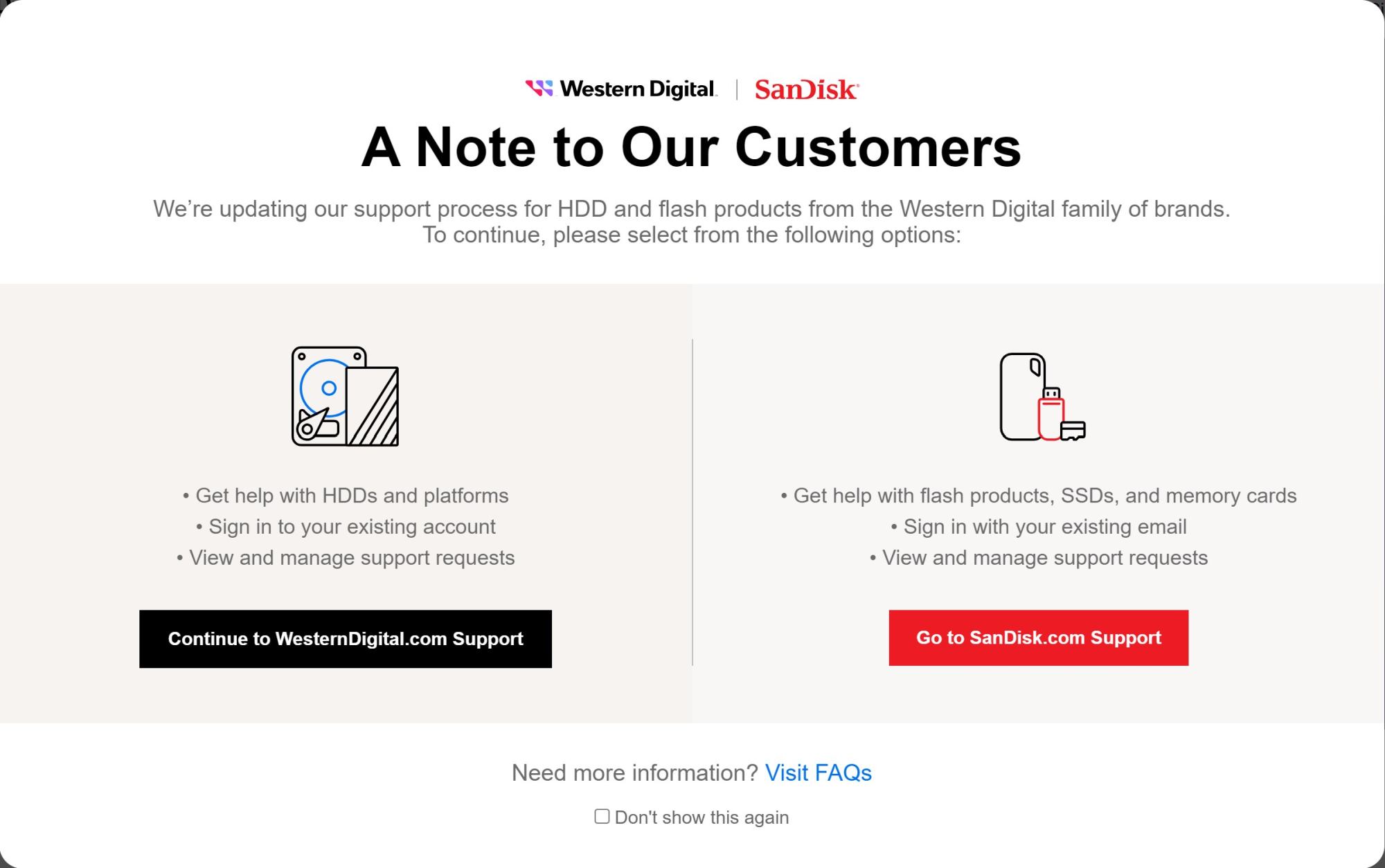
In the meantime you can use https://support-en.wd.com/app/account/dashboard to log in to your Western Digital account until the migration is complete.

Peter is an award-winning photographer who travels all over the world to capture the beauty of our planet as well as the achievements of humanity. Follow Peter on his travel blog Gate to Adventures for more amazing places to go and explore.