
Reading Time: 2 minutes
How to Download the DJI Mavic 4 Pro LUTs in the U.S.
On May 13, 2025, DJI released its next generation of prosumer drones – the Mavic 4 Pro. Unfortunately, with all the good news came one shocking news for anyone in the U.S.
DJI will not officially sell the Mavic 4 Pro in the U.S.
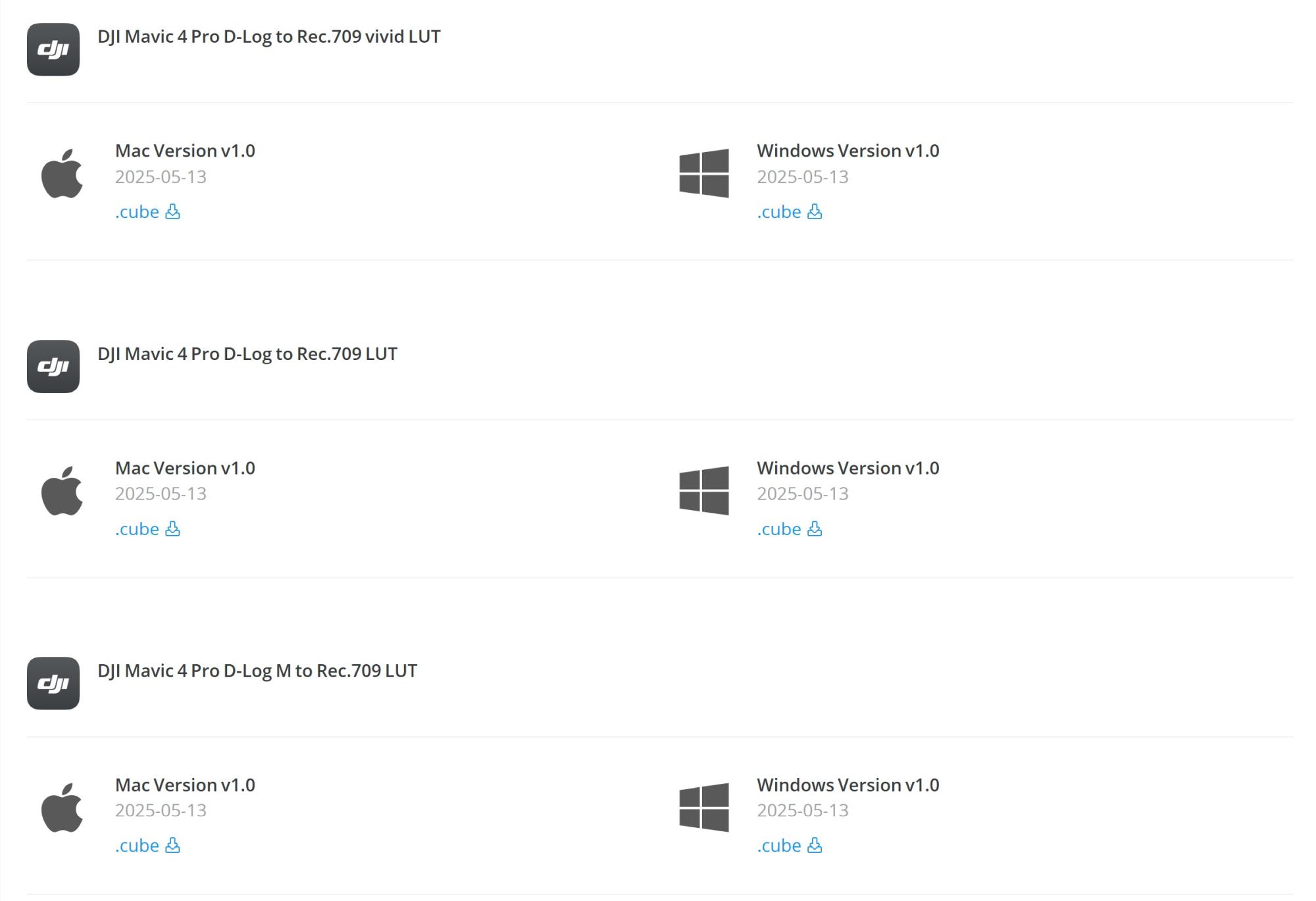
Even two months after the release of the drone, it is still hard to get the drone in the United States. If you are one of the lucky ones and got your hands on the latest drone from DJI, this guide will help you how to download the LUT files to color grade your videos if you film in D-Log.
Follow these steps.
- Go to DJI.com
- Scroll all the way to the bottom of the page

- A pop up will appear. Select any country which has English as language. For example, go to the very end of Europe and select United Kingdom
- Now click on this link: https://www.dji.com/uk/mavic-4-pro/downloads
- Scroll down to Software & Drivers and you will see the LUT files
With this trick you also get access to all other relevant information and stuff for your Mavic 4 Pro as the product page for the drone is not available in the United States.
The download center also provides the download links for all product manuals, drivers as well as apps you might need. You can also go to the main product page of the drone itself to read more about it as this page is also not available in the U.S.

Peter is an award-winning photographer who travels all over the world to capture the beauty of our planet as well as the achievements of humanity. Follow Peter on his travel blog Gate to Adventures for more amazing places to go and explore.











Subscribe
Login
0 Comments
Oldest