
Reading Time: 3 minutes
I want to introduce you to my hacks, tips and tricks for the DJI RC Pro 2 remote controller. Most of them will also work with the RC 2 and some of these are also compatible with controllers of other manufacturers.
I will update this page as I find more useful tips and tricks. If you know of any tips and tricks you guys would like to share, please contact me or add them in the comments section below.
Screen Protector
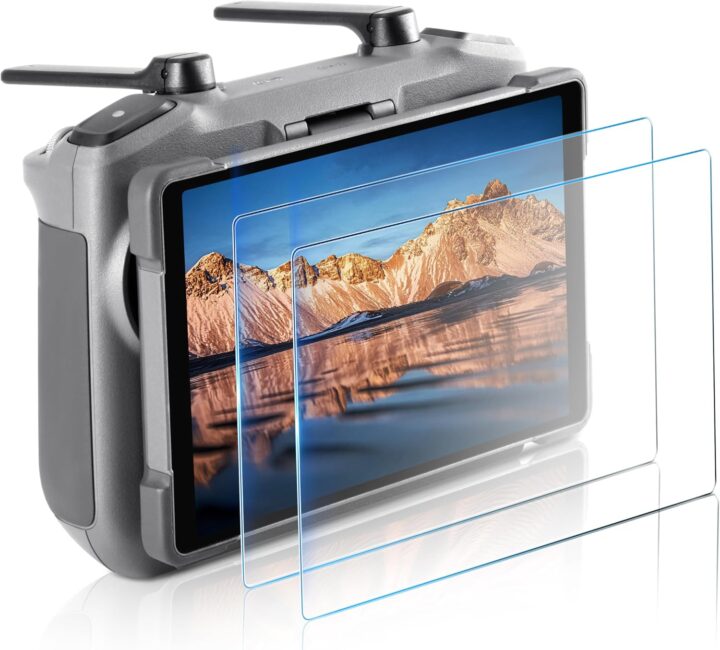
Install a screen protector to protect the screen of your remote control. I am using the RC Pro 2 and bought this one from Amazon. I am very happy with it. It was easy to install and works perfectly. No issues with visibility of the screen even in bright sunlight. Also, there are no issues with the touch screen.
Image Courtesy of STARTRC (Amazon)
Case
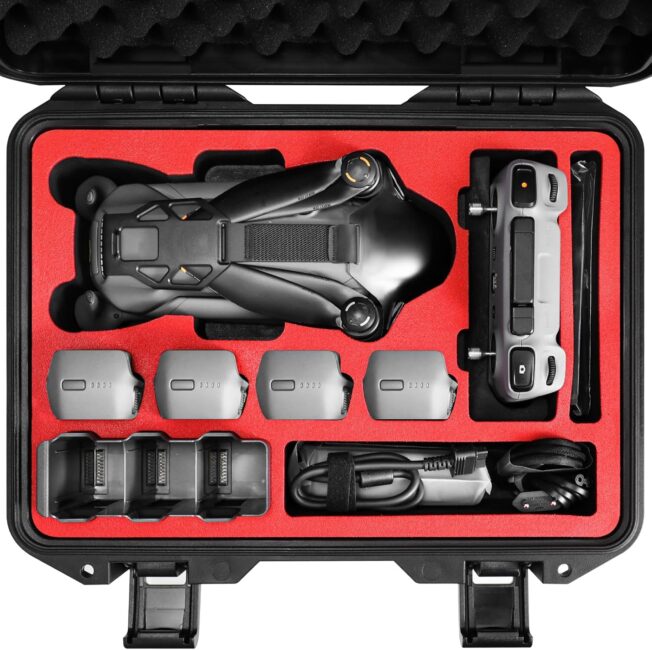
Because I travel a lot and want peace of mind if it comes to my drone, I bought a hard case which fits my drone and all of its accessories and still has some extra space for additional batteries or other items you can stuff in the cut-outs. I purchased the hardcase from FPCtosky on Amazon. The case fits everything from the DJI Mavic 4 Pro Creator Combo and has space for more.
Image Courtesy of FPVtosky (Amazon)
Lanyard
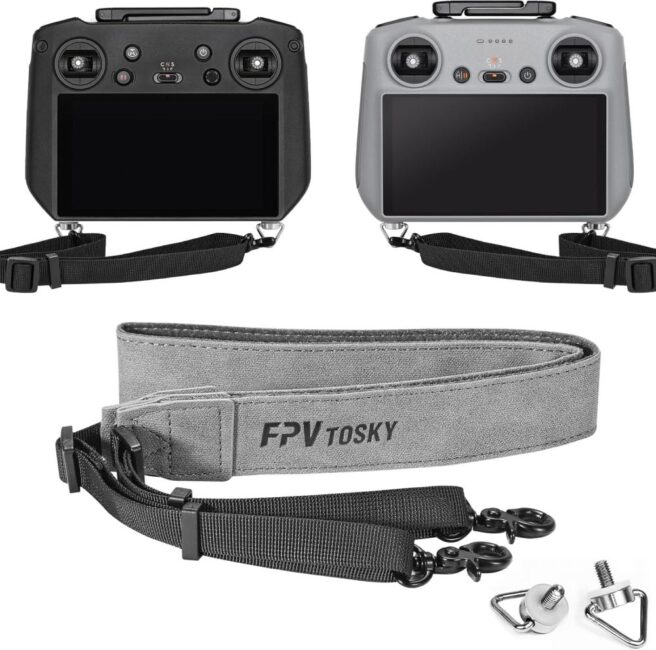
Secure your remote controller with a lanyard. That way you can have your hands free and grab your drone while hovering instead of landing. It also secures your remote from slipping out of your hand. Works with the RC Pro 2 and RC 2.
This lanyard is from FPVtosky. The same company also has a combo kit which comes with the lanyard and screen protectors.
Image Courtesy of FPVtosky (Amazon)
Install an App Store
The controller is running a modified version of Android which comes without all the Google services and therefore doesn’t have the Google Play Store installed. However, you can still side-load apps. To make it easier install F-Droid App Store. Just open the F-Droid website with the installed Firefox browser on your controller.
Warning
Because of the version of Android running on the remote and the missing of Google Play Services, not every app of F-Droid will work. Some will just keep crashing. You need to try it out yourself, if the app will work or not. Below is a list of apps which would be useful and I have successfully tested.
Useful Apps to Install

Copy important Documents onto your Controller
The RC Pro 2 has plenty of storage and you can just upload important docs you would need. A few examples would be
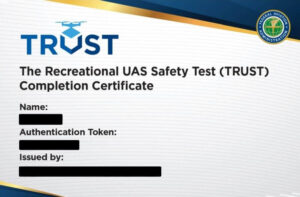
- TRUST Certificate
- Drone Insurance Policy
- FAA Drone Registration
- Copy of your FAA Remote Pilot Certificate (Part 107)
Therefore, it is great to have a PDF reader installed to open the documents. Some documents can be converted to an image file which can be opened natively on the remote controller. However, it is just easier to have a PDF version of it, especially for multi-page documents.
Activate Developer Mode
To activate Developer Mode, follow the steps below.
- Exit the DJI Fly app and go back to the home screen of your controller and click on Settings.
- Go to Devices
- Scroll down to Build number
- Double tap multiple times on the Build number information until it shows a message that Developer mode is enabled.
- Developer mode is now activated.
- Go back once and scroll to System.
- Tap on Advanced to reveal Developer options
More…
I will update the post with more tips and tricks as I find more. Do you have any great tips or tricks, please let me know in the comments. Much appreciated.

Peter is an award-winning photographer who travels all over the world to capture the beauty of our planet as well as the achievements of humanity. Follow Peter on his travel blog Gate to Adventures for more amazing places to go and explore.








Subscribe
Login
0 Comments
Oldest